
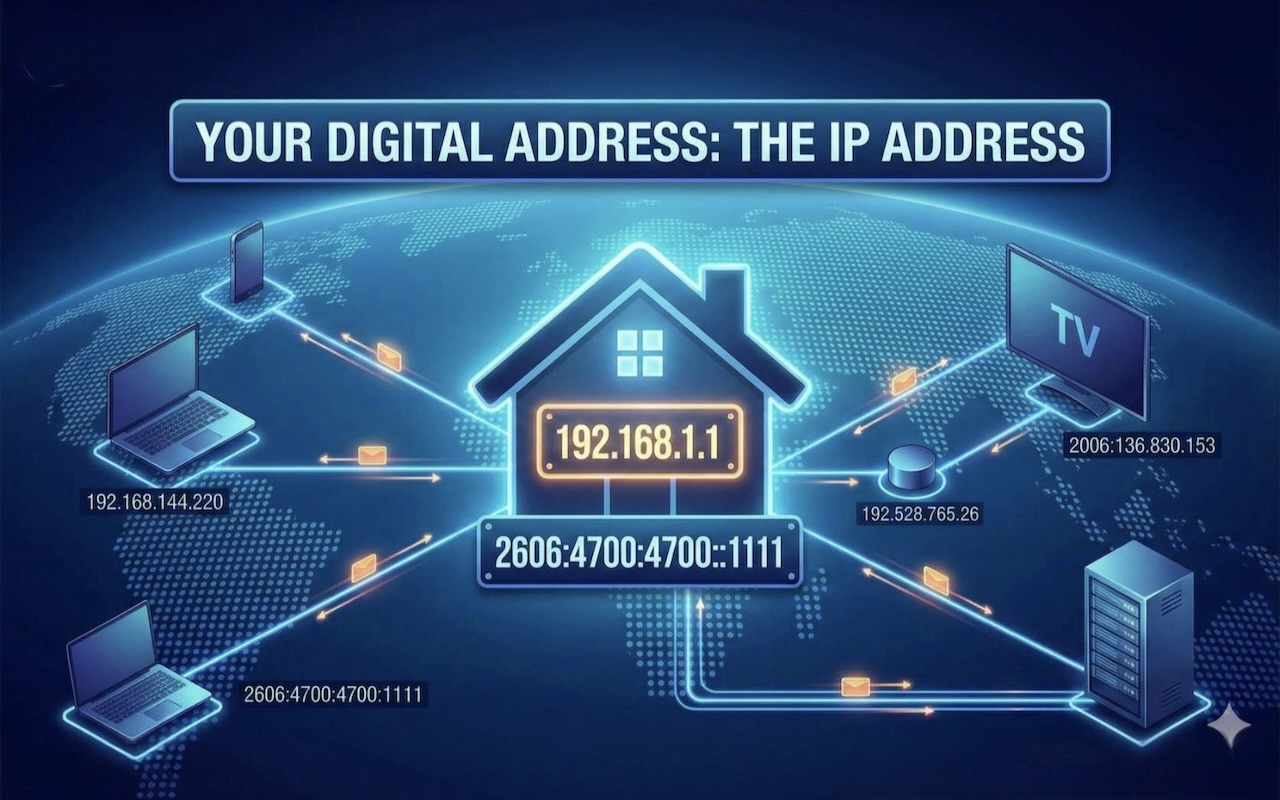
Every device connected to the internet has a unique way of identifying itself—similar to how a home address helps people find a house. On the internet, this identifier is called an IP address. Whether you’re browsing a website, streaming a video, or sending an email, your device constantly uses IP addresses to communicate. In this article, we’ll explain what an IP address is, how it works, the different types, and why protecting it is important.
What Is an IP Address?
An IP address (Internet Protocol address) is a unique number assigned to every device connected to a network. It allows devices to send and receive information across the internet.
For example:
192.168.1.1 or 2606:4700:4700::1111
Just like a postal address ensures your mail reaches the right house, an IP address ensures that the data you request online reaches the correct device.
Types of IP Addresses
1. IPv4
IPv4 is the most common version of IP addresses. It uses a 32-bit number, like this:
172.16.254.1
It provides around 4.3 billion unique addresses.
2. IPv6
Since IPv4 addresses were running out, IPv6 was introduced.
It uses 128-bit numbers, allowing trillions of unique addresses.
Example: 2001:0db8:85a3:0000:0000:8a2e:0370:7334
IPv6 is more secure and efficient than IPv4.
Static vs. Dynamic IP Addresses
Static IP
- Does not change
- Used for servers, business networks, and websites
- Ideal when stable connectivity or remote access is required
Dynamic IP
- Changes every time your device reconnects
- Assigned by your Internet Service Provider (ISP)
- More common for home users
- Offers more privacy and lower cost
Public vs. Private IP Addresses
Public IP
Assigned by your ISP, used to communicate over the internet.
All your online activity passes through your public IP, directly or indirectly.
Private IP
Used within a local network (home or office).
Helps devices like laptops, phones, and smart TVs communicate with each other.
Example: 192.168.x.x or 10.0.x.x
How Does an IP Address Work?
Whenever you access a website:
- Your device sends a request to the website’s server.
- Your IP address and the server’s IP address identify each other.
- The server sends back the requested data (images, text, videos).
- Your device receives the data and displays the webpage.
This process happens in milliseconds, using the Internet Protocol, which governs how data is transmitted online.
Why Are IP Addresses Important?
1. Device Identification
Without IP addresses, devices could not communicate online.
2. Location Awareness
IP addresses can show an approximate geographic location, such as a country or city. This helps in:
- Providing relevant content
- Detecting language preferences
- Preventing fraud
3. Online Security
Servers use IP addresses to detect suspicious activity, block harmful traffic, and prevent cyberattacks.
4. Communication Between Devices
From video calls to online gaming, IP addresses keep connections stable.
Common Uses of IP Addresses
- Tracking website visitors
- Connecting smart devices
- Remote system access
- Content personalization
- Email delivery
- Cloud service communication
How to Protect Your IP Address
Even though IP addresses are necessary for online activity, it’s important to protect them.
1. Use a VPN
A Virtual Private Network hides your real IP and replaces it with another, enhancing privacy.
2. Secure Your Router
- Change default passwords
- Enable encryption
- Keep firmware updated
3. Avoid Suspicious Websites
Some websites may track or misuse your IP address.
4. Use Trusted Networks
Avoid public Wi-Fi without protection, as it can expose your IP and online activity.
Conclusion
An IP address is a crucial part of how the internet functions. It identifies devices, enables communication, and supports everything from browsing websites to streaming videos. Understanding how IP addresses work and protecting them ensures safer and smoother internet use.
Featured Image generated by Google Gemini.
Share this post
Leave a comment
All comments are moderated. Spammy and bot submitted comments are deleted. Please submit the comments that are helpful to others, and we'll approve your comments. A comment that includes outbound link will only be approved if the content is relevant to the topic, and has some value to our readers.
Comments (0)
No comment