
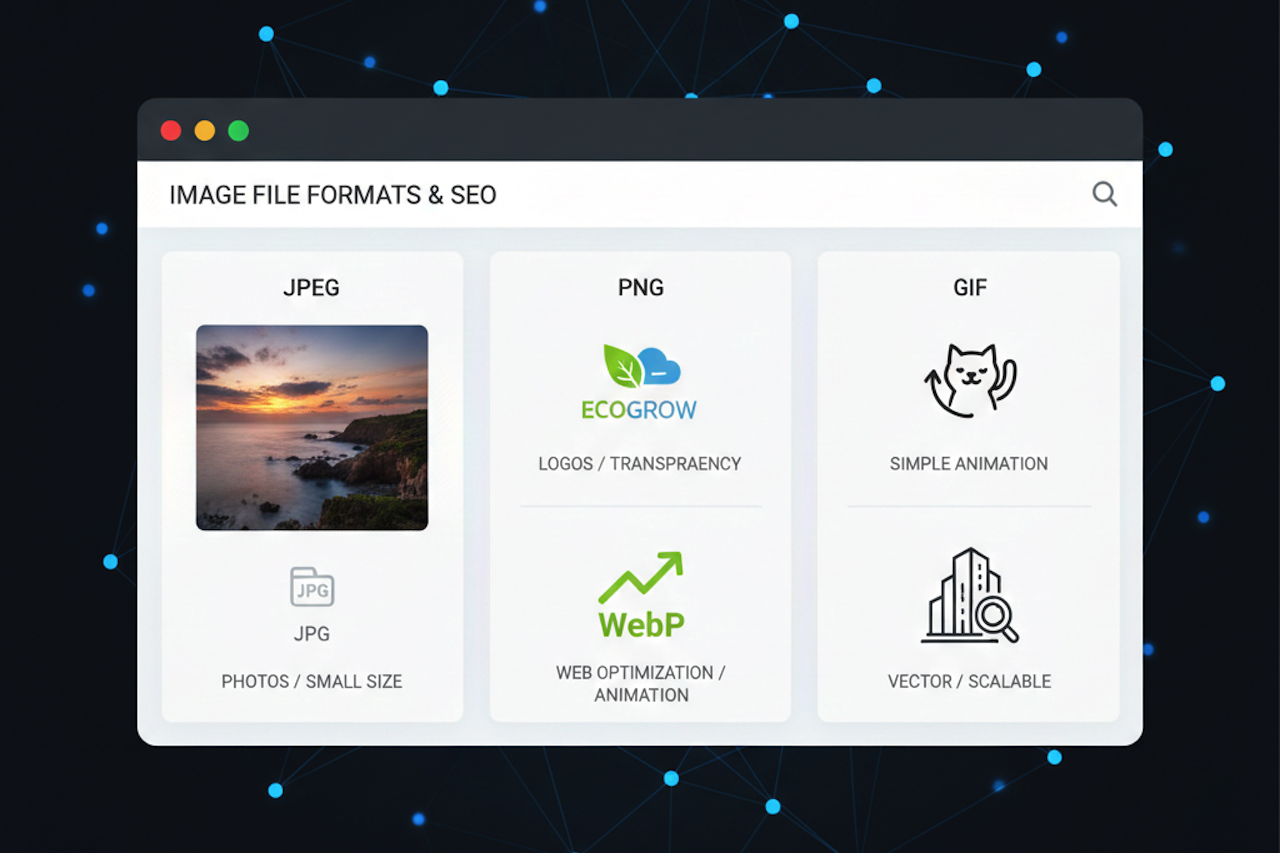
Choosing the correct image file format is a crucial yet often overlooked part of digital content creation. Whether you are designing a website, publishing a blog, managing an e-commerce store, or working on social media marketing, the image format you use directly affects page speed, image quality, and search engine performance. Understanding how to select the correct image file format improves user experience and boosts SEO rankings. This guide explains popular image file formats, their uses, and how to choose the best one for your needs.
Why Image File Format Selection Is Important for SEO
Search engines prioritize fast-loading, user-friendly websites. Large or poorly optimized images slow down page speed, increase bounce rates, and negatively impact search rankings. Selecting the correct image file format helps:
- Reduce image file size
- Improve website loading speed
- Maintain visual quality
- Enhance mobile performance
- Support better SEO results
Optimized images improve Core Web Vitals, a key ranking factor for search engines.
Standard Image File Formats and Their Best Uses
Understanding different image formats allows you to choose the most efficient option for each type of content.
JPEG (JPG): Best Image Format for Photographs
JPEG is one of the most widely used image file formats on the web. It uses lossy compression, which reduces file size while maintaining acceptable image quality.
Best for:
- Photographs
- Blog images
- Website banners
- Social media visuals
Advantages:
- Small file size
- Faster page loading
- Broad browser compatibility
Disadvantages:
- Image quality loss after compression
- Not ideal for images with text or transparency
JPEG is perfect when you need a balance between quality and performance.
PNG: High-Quality Images with Transparency
PNG uses lossless compression, preserving image clarity and detail. It also supports transparent backgrounds, making it popular for design elements.
Best for:
- Logos
- Icons
- Infographics
- Images with text
Advantages:
- Excellent image quality
- Transparency support
- Sharp text and edges
Disadvantages:
- Larger file size compared to JPEG
Use PNG when image clarity and transparency are essential.
WebP: Best Image Format for Website Performance
WebP is a modern image format developed specifically for the web. It offers superior compression while maintaining high image quality.
Best for:
- Website images
- E-commerce product photos
- Blog visuals
Advantages:
- Smaller file size than JPEG and PNG
- Supports transparency and animation
- Improves website speed
Disadvantages:
- Limited support on ancient browsers
WebP is highly recommended for SEO-focused websites.
GIF: Suitable for Simple Animations
GIF files are commonly used for short animations and lightweight visuals.
Best for:
- Simple animations
- Decorative graphics
Advantages:
- Animation support
- Small file size for basic visuals
Disadvantages:
- Limited color range
- Not suitable for high-quality images
For better performance, WebP is often a more efficient alternative to GIF.
SVG: Best for Scalable Graphics
SVG is a vector-based image format that scales without losing quality.
Best for:
- Logos
- Icons
- UI elements
- Illustrations
Advantages:
- Fully scalable
- Small file size
- SEO-friendly and editable
Disadvantages:
- Not suitable for photographs
SVG is ideal for responsive design and modern websites.
How to Choose the Correct Image File Format
Use these guidelines when selecting an image format:
- Photographs: JPEG or WebP
- Logos and icons: PNG or SVG
- Animations: WebP or GIF
- Website optimization: WebP
- Scalable graphics: SVG
Matching the image format to its purpose improves performance and SEO.
Image Optimization Tips for Better SEO
Selecting the correct format is only part of image optimization. To maximize SEO benefits:
- Compress images without sacrificing quality
- Use descriptive file names with keywords
- Add relevant alt text
- Implement lazy loading
- Use responsive image sizes
These practices improve accessibility and search visibility.
Final Thoughts
Selecting the correct image file format is critical to website performance, user experience, and search engine optimization. By understanding the strengths of formats such as JPEG, PNG, WebP, GIF, and SVG, you can make informed decisions to enhance visual quality and SEO performance. Optimized images not only load faster but also help your content rank better and engage users more effectively.
Featured Image generated by Google Gemini.
Share this post
Leave a comment
All comments are moderated. Spammy and bot submitted comments are deleted. Please submit the comments that are helpful to others, and we'll approve your comments. A comment that includes outbound link will only be approved if the content is relevant to the topic, and has some value to our readers.
Comments (0)
No comment