
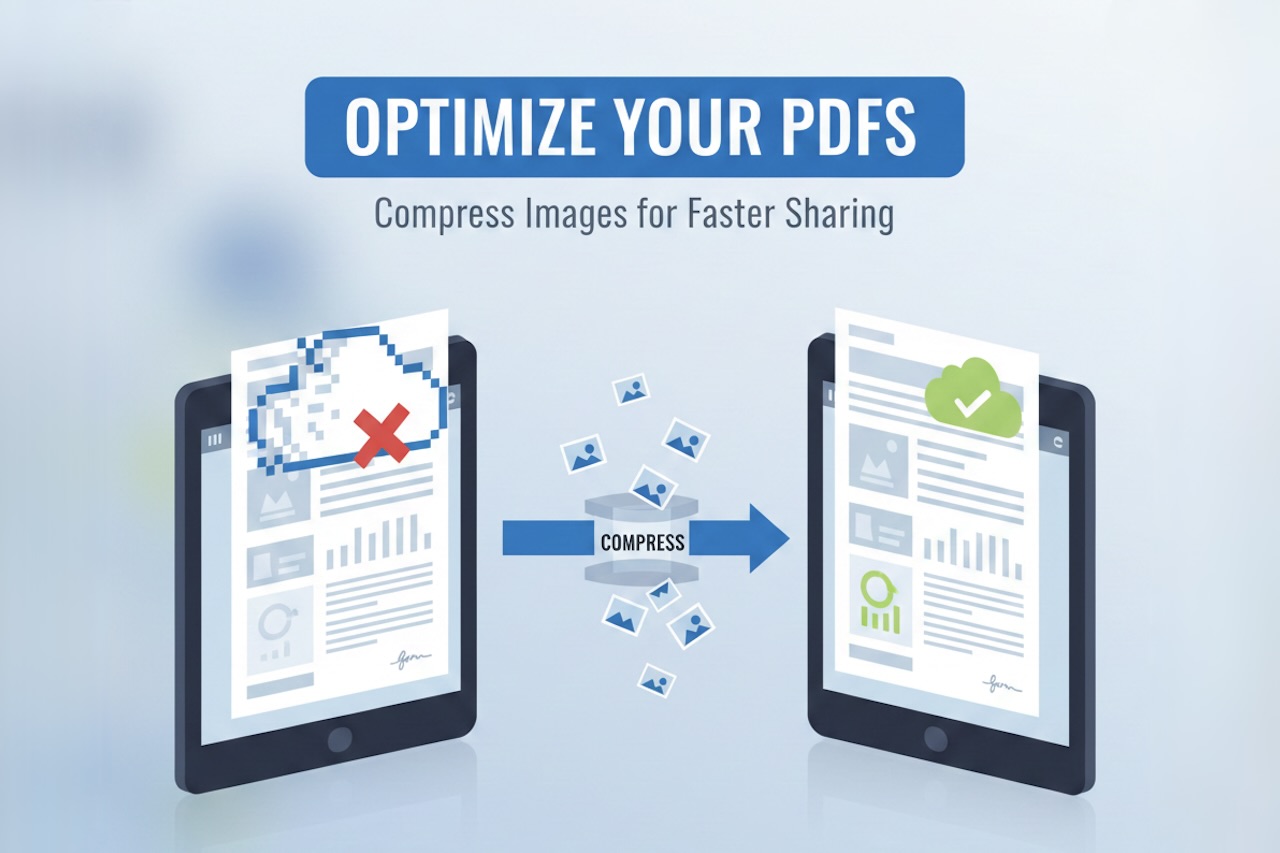
PDF files have become the standard for sharing professional documents, whether for contracts, reports, or marketing materials. They preserve formatting across devices and maintain a polished, professional appearance. However, large image files can make PDFs heavy, difficult to share, and slow to load. This is where the ability to compress images before adding them to a PDF becomes essential. By reducing image resolution and optimizing file content, businesses can create streamlined, efficient PDFs without sacrificing quality.
Adding images to PDFs is common for contracts that include scanned signatures, reports with charts and graphs, or marketing materials with visuals. Whether you need to add an image to a PDF for branding purposes or to provide supporting documentation, managing file size is crucial. Oversized PDFs can slow email delivery, consume unnecessary storage, and frustrate users who want quick access.
Why Compressing Images Matters
Compressing images before inserting them into a PDF helps optimize the file for both sharing and storage. Large images not only increase the file size but can also affect the rendering speed when opened on different devices. For contracts and reports that are often reviewed on mobile or tablet devices, slow-loading PDFs can reduce efficiency and create a poor user experience.
Using image compression tools ensures visuals remain clear and readable while minimizing file size. This is particularly important for marketing files, which rely heavily on visuals to communicate messages effectively. A clear, lightweight PDF can be shared via email, uploaded to websites, or stored in cloud systems without performance issues.

How to Insert an Image into a PDF
Inserting images into a PDF is straightforward when using a reliable PDF editing platform. First, open the PDF in your chosen editor and select the option to insert image to PDF, allowing you to place visuals anywhere in the document. Most modern tools allow you to place the image anywhere in the document, resize it, and adjust alignment to match the layout.
Before adding images, it is recommended to compress the file. High-resolution images look great in print but can unnecessarily increase PDF size. Compressing the image before insertion ensures the PDF remains lightweight and manageable. Once the image is ready, drag and drop it into the PDF, or use the insert function in your PDF editor.
Tools for Compressing and Adding Images
Several online and offline tools allow users to compress images and add them to PDFs efficiently. Many free online platforms enable you to reduce image resolution, convert formats, and insert images directly into PDF documents without installing software. These tools are ideal for users who need to convert an image to PDF for free while maintaining quality.
Desktop solutions also offer advanced batch-processing capabilities, enabling multiple images to be compressed and added to PDF documents simultaneously. This is particularly useful for marketing teams creating brochures, reports, or proposals that contain numerous photos. By using the right tool, businesses can streamline the workflow and reduce time spent on manual file preparation.
Applications in Contracts and Reports
Contracts often include scanned signatures, logos, and other supporting visuals that must be included in the document. By compressing images before adding them to the PDF, businesses ensure the final file is not too large to email or upload to document management systems. Properly optimized PDFs maintain professional quality while remaining accessible to all parties involved.
Reports frequently contain charts, graphs, and infographics that provide essential insights. High-resolution visuals make reports easier to interpret, but can substantially increase file size. Compressing images before insertion allows businesses to add pictures to a PDF without compromising readability or slowing down file access. This is particularly important for distributed teams who need to access documents quickly across multiple devices.
Applications in Marketing Materials
Marketing files are inherently visual, and adding images to PDF documents is essential for branding, product promotion, and client presentations. However, without compression, these files can become large and unwieldy. Using image compression tools allows marketers to create visually appealing, lightweight PDFs that are easy to share.
By optimizing images before insertion, marketing teams can maintain high-quality visuals for presentations, brochures, and downloadable resources while ensuring file sizes remain manageable for online distribution. The process also reduces server storage requirements and improves overall accessibility for clients and colleagues.
Best Practices for Adding Images to PDFs
When adding images to PDFs, always compress the image file to reduce its size without losing essential details. Select the appropriate format—JPG for photographs and PNG for graphics with transparency. Use a reliable PDF editor that supports precise image placement and resizing.
Make sure to preview the PDF after inserting images to confirm that quality remains intact. When evaluating tools, ensure they support both compression and image insertion to save time. Optimized PDFs are easier to share, faster to download, and more professional in appearance, which enhances both internal and external communication.
Conclusion
Compressing images and adding them to PDFs is an essential step for businesses working with contracts, reports, and marketing files. By optimizing images and carefully inserting them, organizations can create professional, lightweight, and accessible documents. Whether you need to insert an image into a PDF for a signature, chart, or promotional graphic, proper compression ensures the file size remains manageable while preserving quality.
Using the right tools streamlines workflow and improves efficiency. By adopting best practices for image compression and insertion, businesses can maintain high-quality documents that are easy to share, store, and present.
Featured Image generated by Google Gemini.
Share this post
Author

Leave a comment
All comments are moderated. Spammy and bot submitted comments are deleted. Please submit the comments that are helpful to others, and we'll approve your comments. A comment that includes outbound link will only be approved if the content is relevant to the topic, and has some value to our readers.
Comments (0)
No comment